A/B Testing Guide
HTMLBox Pro's built-in A/B testing lets you run two versions of any content block against each other and determine with statistical confidence which one drives more conversions. No external testing tool needed — everything is inside the module.
How It Works
When you enable A/B testing on a block, HTMLBox Pro:
- Splits your visitors into two groups using a session cookie (by default, 50/50)
- Shows Variant A to one group and Variant B to the other group
- Tracks impressions and conversions for each variant
- Calculates statistical confidence as data accumulates
- Optionally promotes the winner automatically once significance is reached
The split is consistent — the same visitor always sees the same variant throughout the test. A customer who saw Variant B on Monday will see Variant B again on Friday, not a randomly different variant each visit.
Setting Up a Test
Step 1: Open the block editor
Go to the HTMLBox Pro block list and click "Edit" on the block you want to test.
Step 2: Enable A/B testing
Scroll to the A/B Testing section and toggle "Enable A/B test".
Step 3: Create Variant B
Click "Edit Variant B" — the editor opens for the second variant. The original block content becomes Variant A automatically.
Write your alternate content in Variant B. This could be:
- A different headline ("Get started today" vs. "Try it free")
- A different CTA button colour or text
- A completely different layout
- A different image or illustration
Best practice: change only one element per test. If you change the headline AND the button AND the colour simultaneously, you cannot determine which change drove the result.
Step 4: Set the traffic split
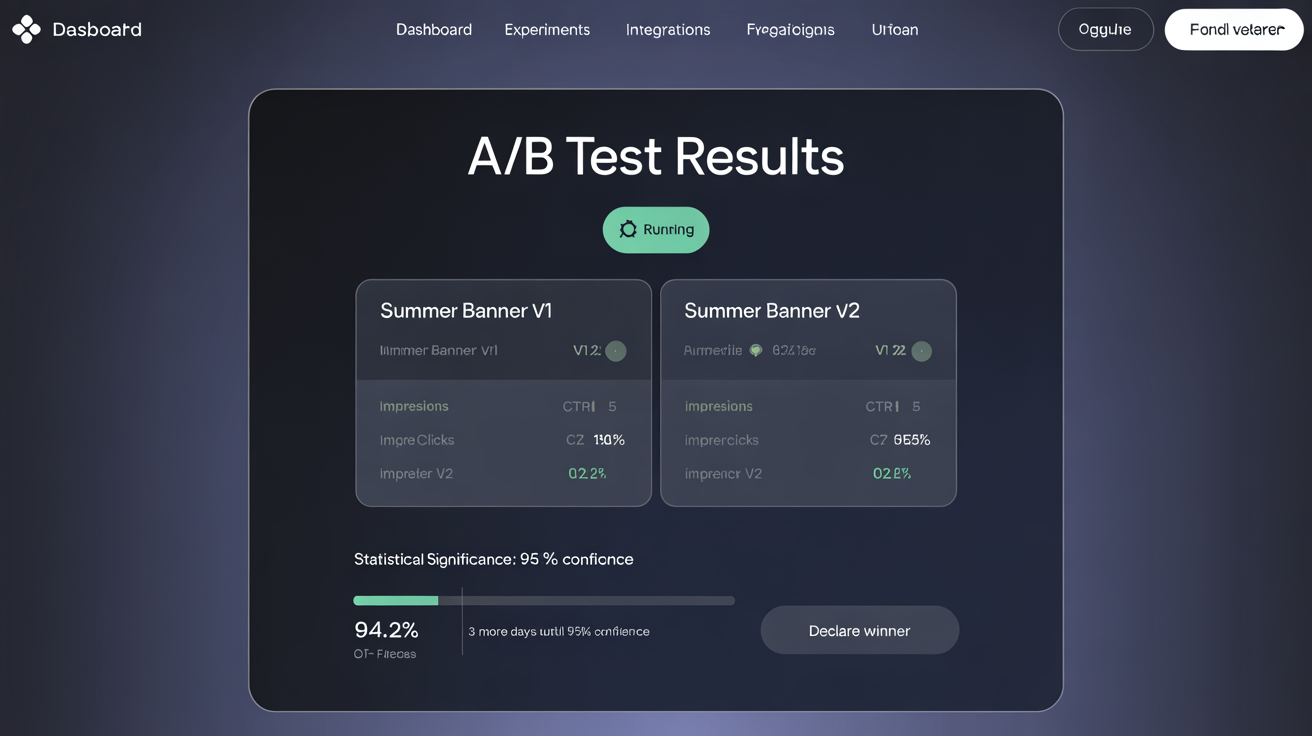
The default split is 50% Variant A / 50% Variant B. You can adjust this using the percentage slider.
When to use a non-50/50 split:
| Split | When to use | |---|---| | 50/50 | Standard tests — equal exposure, fastest time to significance | | 90/10 | Testing a risky or experimental change where you want minimal exposure to the unproven variant | | 80/20 | Confident in the original, just validating a small improvement | | 70/30 | Lower risk than 50/50 while still accumulating data reasonably quickly |
Caution with uneven splits: A 90/10 split takes much longer to accumulate enough conversions on the 10% variant to reach significance. If you have low traffic, stick with 50/50.
Step 5: Define the conversion goal
Choose what counts as a conversion for this test:
| Goal type | What it tracks | Best for | |---|---|---| | Click | Any click anywhere inside the block | CTA buttons, banner clicks | | Link click | A click on a specific URL within the block | Tracking clicks to a specific page (e.g., /sale) | | Form submit | A form submission triggered from within the block | Newsletter sign-ups, lead gen forms | | Purchase | A completed order from a visitor who saw the block | Blocks designed to drive direct purchases |
Choosing the right goal:
- Use Click for most CTA and banner tests — it is the simplest and most direct measure
- Use Link click when you want to measure clicks to a specific destination (e.g., a category page) rather than any click
- Use Form submit for newsletter sign-up blocks or contact form blocks
- Use Purchase only for blocks where you believe the block's content directly influences the buying decision — e.g., a trust badge block below the Add to Cart button. Note: purchase attribution uses last-seen-variant logic, which can be noisy if visitors see the block multiple times over several sessions
Step 6: Save and start
Click "Save" — the test starts immediately. HTMLBox Pro begins splitting traffic and recording impressions and conversions.
Understanding Statistical Significance
Statistical significance is the measure of how confident you can be that the difference you see between Variant A and Variant B is real — not caused by random chance.
The basic concept (no statistics required)
Imagine flipping a coin. If you flip it 10 times and get 6 heads, you might think the coin is slightly biased toward heads. But with only 10 flips, 6 heads is easily possible with a fair coin — just random variation. If you flip it 10,000 times and get 6,000 heads, that is strong evidence the coin is biased.
A/B testing works the same way. With a small number of visitors, one variant can appear to be "winning" simply by chance. With a large number of visitors, a real difference becomes statistically clear.
The 95% confidence threshold
HTMLBox Pro uses a 95% confidence threshold as the standard for declaring a winner. This means:
- There is a 95% probability that the result is real, not random chance
- There is still a 5% chance you are looking at a false positive (this cannot be eliminated, only managed)
When a variant's confidence bar turns green in the results panel, that variant has reached 95% confidence.
Why you should not end a test early
This is the most common A/B testing mistake. If Variant B is ahead after the first 50 visitors, it is tempting to declare it the winner immediately. But with small samples, early leads are unreliable.
Example illustrating the problem:
You run a test and after day 1 (50 visitors), Variant B has a 12% conversion rate vs Variant A's 8%. That looks promising. But:
- 50 visitors × 12% = 6 conversions for B
- 50 visitors × 8% = 4 conversions for A
- The difference is 2 conversions — a single unlucky day for A could reverse this completely
After day 14 (700 visitors), the rates have stabilised:
- Variant A: 9.2% conversion rate (64 conversions)
- Variant B: 10.1% conversion rate (71 conversions)
- 95% confidence reached — Variant B is genuinely better
If you had stopped after day 1, you would have made a decision based on noise, not signal.
Sample Size and How Long to Run Tests
Minimum sample size guidance
| Traffic scenario | Minimum conversions per variant | Approximate time needed | |---|---|---| | High traffic (500+ visitors/day per block) | 100 | 3–7 days | | Medium traffic (100–500 visitors/day) | 100 | 7–14 days | | Low traffic (< 100 visitors/day) | 100 | 14–30+ days |
The 100-conversion-per-variant rule is a floor, not a ceiling. More conversions give more reliable results. If you can run to 200 conversions per variant, your result will be more trustworthy.
The two-week minimum rule
Even if you reach 100 conversions per variant in 4 days, run the test for at least 2 full weeks. Why:
- Day-of-week variation: Conversion behaviour differs between weekdays and weekends. A test that runs only Monday–Thursday misses the weekend cohort, which may behave very differently.
- Novelty effect: Visitors who have never seen a new element sometimes click it simply because it is unfamiliar — this inflates early conversion rates for Variant B. Over 2 weeks, the novelty effect fades and you see true steady-state performance.
How to estimate time to significance
Use this rough formula:
Days needed ≈ (200 × average_order_value) / (daily_conversion_revenue × 0.5)
For a simpler estimate: if your block gets 100 impressions per day and your click-through rate is approximately 5%, you get 5 conversions per day per variant. At 100 conversions per variant, you need approximately 20 days.
Reading Test Results
Open the results panel by clicking the chart icon next to any block with an active test in the block list, or navigate to A/B Tests in the module's main navigation.
Key metrics explained
| Metric | What it measures | What to look for |
|---|---|---|
| Impressions | How many times each variant was shown to unique visitors | Both variants should have similar impressions — large imbalances may indicate the split is not working correctly |
| Conversions | How many times the goal was triggered for each variant | The raw count |
| Conversion rate | Conversions ÷ Impressions, expressed as a percentage | The primary comparison metric |
| Uplift | Percentage improvement of Variant B over Variant A | (B rate - A rate) / A rate × 100 |
| Confidence | Probability the result is not due to random chance | Wait for 95% before acting |
Real example with numbers
A clothing store runs a test on a displayProductAdditionalInfo block showing delivery information:
- Variant A (control): "Standard delivery: 3–5 business days"
- Variant B (test): "Free next-day delivery on orders over €50 — order before 14:00"
After 14 days:
| | Variant A | Variant B | |---|---|---| | Impressions | 1,842 | 1,831 | | Conversions (Add to Cart clicks) | 184 | 229 | | Conversion rate | 9.99% | 12.51% | | Uplift | — | +25.2% | | Confidence | — | 97.4% |
Interpretation: Variant B outperforms Variant A by 25.2% on Add to Cart clicks, with 97.4% confidence. This result is statistically significant — promoting Variant B as the permanent content is well-justified.
Revenue impact calculation: If this product page gets 120 daily visitors and the average order value is €65:
- Variant A: 120 × 9.99% × €65 = €779/day
- Variant B: 120 × 12.51% × €65 = €975/day
- Estimated additional revenue from promoting Variant B: +€196/day
Promoting the Winner
Manual promotion
- Open the test results panel
- Click "Promote Variant B" (or confirm Variant A if it won)
- Confirm the promotion dialog
- The winning content replaces the block's permanent content and the test ends
After promotion, the block reverts to normal operation — no split, 100% of visitors see the promoted content.
Auto-promote (optional)
Enable "Auto-promote winner" in the A/B test settings panel. Configure:
- Confidence threshold: 95% recommended (default)
- Minimum impressions: Set to at least 200 per variant before auto-promotion triggers (prevents premature promotion on low-traffic blocks)
When both thresholds are met, HTMLBox Pro automatically:
- Promotes the winning variant as the permanent block content
- Ends the test
- Sends you an email notification with the final conversion rates and uplift
Auto-promote is best for: High-traffic sitewide blocks (announcement bars, homepage banners) where monitoring manually is impractical and rapid promotion of winners compounds value.
Auto-promote is risky for: Low-traffic blocks where the minimum impression count takes weeks to reach — an auto-promotion after 3 weeks may be acting on stale seasonal data.
A/B Testing with Scheduling
Combine A/B testing with scheduling to run a time-boxed test during a specific campaign:
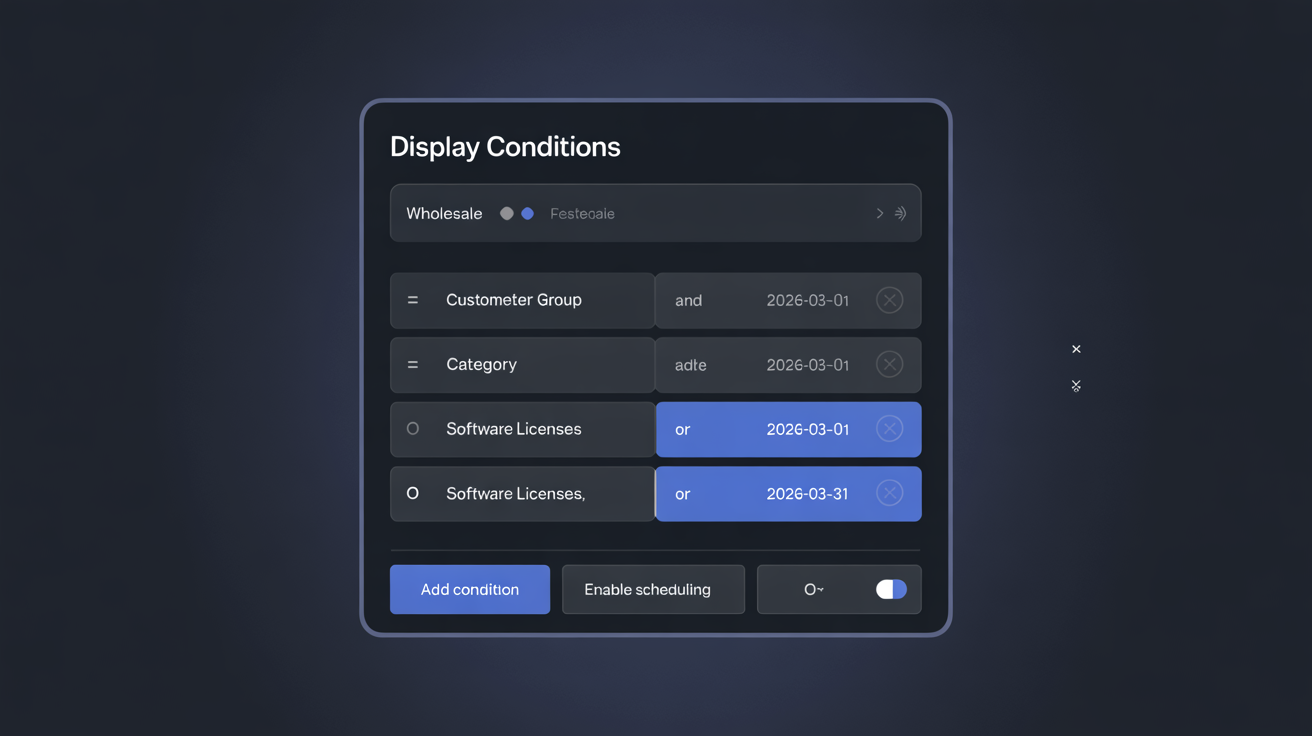
Example — Black Friday CTA test:
- Create a block with content for the Black Friday period
- Enable A/B testing
- Set Start Date = November 22, End Date = November 27
- Configure the conversion goal as "Click"
The test runs during the pre-Black Friday period. If Variant B wins, promote it and let it run for the full Black Friday / Cyber Monday week (expand the End Date or remove it).
A/B Testing Best Practices
Write a hypothesis first. Before creating Variant B, write down: "I believe that [changing X to Y] will [increase/decrease metric] because [reason based on customer psychology or data]." A documented hypothesis keeps tests focused and makes results meaningful. Without a hypothesis, you are guessing; with one, you are learning.
Test one element at a time. Changing the headline, image, button text, and background colour simultaneously makes it impossible to know what caused the result. Run sequential single-element tests. After 3–4 tests on the same block, you have built a data-backed optimised version.
Keep a test log. After each test, record:
- Block tested
- Hypothesis
- Variant descriptions
- Sample size reached
- Result (winner, conversion rates, uplift, confidence)
- What you learned
After 6 months of documented tests, this log is more valuable than any third-party analytics tool — it tells you exactly what your specific customers respond to.
Do not test during anomalous periods. Avoid starting a test during public holidays, major sale events, or periods of unusual traffic (e.g., a viral social media mention). Anomalous traffic skews results and makes them non-representative of normal conditions.
Prioritise high-traffic blocks. Tests on low-traffic blocks take weeks or months to reach significance. Start with blocks on hooks that get the most impressions — displayTop, displayHome, displayProductAdditionalInfo — where you can accumulate 100+ conversions per variant quickly.
Next Steps
- Real-World Examples — see complete A/B test setups for real store scenarios
- Conditional Display Rules — target a specific customer segment before running a test to get cleaner data
- Hook Position Guide — choose high-traffic hooks for faster test results