Configuration
After installing KSeF Pro, open settings from WooCommerce → KSeF Pro. The screen is organized into four tabs: KSeF Connection, Seller Data, Invoice Settings, and Advanced.
KSeF Connection Tab
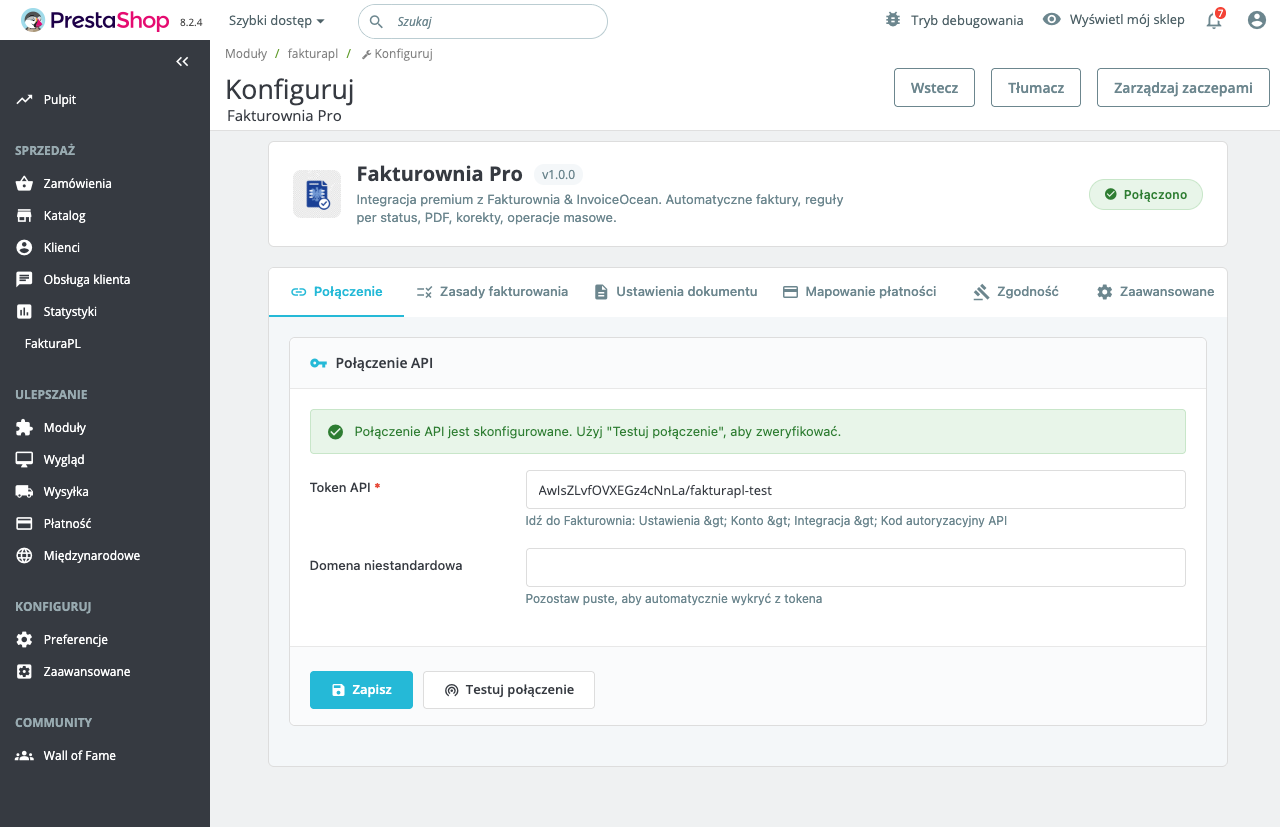
Environment Selection
| Environment | API Base URL | Purpose |
|---|---|---|
| Test | https://ksef-test.mf.gov.pl/api | Configuration verification, XML format testing — no legal standing |
| Production | https://ksef.mf.gov.pl/api | Live invoices, legally binding KSeF-IDs |
Always start with Test. Switch to Production only after a successful end-to-end test: submission, UPO download, KSeF-ID written to order meta.
API Token
Paste your KSeF token from the Ministry of Finance portal. After entering, click "Verify connection" — KSeF Pro sends a lightweight challenge ping to the selected environment.
| Indicator | Meaning | |---|---| | Green | Token valid, NIP matches, environment reachable | | Red — "Token invalid" | Token revoked or wrong environment (test token on production URL) | | Red — "NIP mismatch" | NIP in Seller Data does not match the NIP registered on this token | | Red — "Connection failed" | Server cannot reach the KSeF API — firewall or DNS issue |
Token Storage Security
The token is stored encrypted in wp_options. By default the AUTH_KEY from wp-config.php is used as the encryption key. For migration-safe storage, define a dedicated constant:
// wp-config.php
define('KSEFPL_ENCRYPTION_KEY', 'your-64-char-hex-key');
This prevents token loss when WordPress salts are regenerated during a migration.
Seller Data Tab
The seller data in FA(2) XML must exactly match the NIP registered on your KSeF token. Mismatch causes the entire session to be rejected with error 20100.
NIP
Enter your 10-digit Polish NIP without dashes or spaces. The PL prefix is stripped automatically. KSeF Pro validates the weighted checksum on save — an inline warning appears if the check fails.
Company Details
| Field | FA(2) XML Element | Notes |
|---|---|---|
| Company name | <NazwaPodmiotu> in <Podmiot1> | Exact KRS/CEIDG registered name |
| Street and number | <Ulica> | Required |
| Postal code | <KodPocztowy> | Format: XX-XXX |
| City | <Miejscowosc> | Required |
| Country | <KodKraju> | Default: PL |
Enter values exactly as registered in the Polish business register. Abbreviations (e.g., Sp. z o.o. vs Spółka z ograniczoną odpowiedzialnością) are fine as long as they match the KSeF registration.
VAT Status
Enable "VAT registered seller" if your company is a czynny podatnik VAT (active VAT payer). This controls whether <StatusVAT> is included in FA(2) XML and which tax rate codes are used.
If your company is VAT-exempt (zwolnienie podmiotowe or przedmiotowe), disable this. All line items will use the ZW code.
Invoice Settings Tab
Order Status Trigger
Select which WooCommerce order status triggers KSeF submission:
| Status | When it fires | Best for |
|---|---|---|
| Processing | Payment received by WooCommerce | Most stores — online payment |
| Completed | Order fully fulfilled | Digital goods, instant delivery |
| Custom status | Any custom slug (e.g., wc-invoice-ready) | Manual approval workflows |
For stores using bank transfer (offline payment), orders move from Pending payment to Processing manually when payment is confirmed — the trigger fires at that point.
Avoid setting the trigger to Pending payment — this fires before payment confirmation and creates legally binding KSeF submissions for orders that may never be paid.
HPOS Compatibility
KSeF Pro hooks into woocommerce_order_status_changed, which fires under both legacy and HPOS storage. The HPOS orders list includes a dedicated KSeF-ID column:
The column shows PENDING, ACCEPTED, FAILED, or the KSeF-ID itself for accepted orders.
Buyer NIP Field at Checkout
Enable "Add NIP field to checkout" to show a NIP input in the WooCommerce checkout billing section.
| Option | Description |
|---|---|
| Show NIP field | Adds the field to checkout |
| Required for company | Mandatory when "Company" billing field is filled |
| Field label | Default: NIP / Tax ID |
| VIES validation | Cross-check EU VAT numbers — applies Reverse Charge if valid |
The NIP is stored as order meta _ksefpl_buyer_nip and written to <Podmiot2> in the FA(2) XML. For B2C orders without NIP, <Podmiot2> uses the billing address with identifier type BRAK.
VAT Rate Mapping
Map each WooCommerce tax class to the corresponding Polish VAT code:
| WooCommerce Tax Class | Polish FA(2) Code | Rate |
|---|---|---|
| Standard rate | 23 | 23% |
| Reduced rate (8%) | 08 | 8% |
| Reduced rate (5%) | 05 | 5% |
| Zero rate | 0 | 0% (exports, intra-EU B2B) |
| VAT exempt | ZW | Exempt |
| Not subject | NP | Outside VAT scope |
Navigate to Invoice Settings → VAT Rate Mapping to assign codes. Unmapped tax classes default to 23 with a warning in the debug log — always complete the mapping before going live.
Currency Handling
| Priority | Source | Used when | |---|---|---| | 1 | Order currency rate (stored on order) | WooCommerce WPML/multicurrency records rate at checkout | | 2 | NBP daily rate at submission time | No stored rate on order | | 3 | Manual fallback rate | NBP API unreachable (configured in Advanced) |
The applied rate is recorded in the FA(2) <KursWaluty> element. For PLN orders, this element is omitted.
Advanced Tab
WordPress Cron Settings
KSeF Pro registers four WP-Cron events. Adjust intervals for your store's volume:
| Cron hook | Default interval | Purpose | High-volume recommendation |
|---|---|---|---|
| ksefpl_process_queue | 60 seconds | Open sessions and submit queued invoices | 30 seconds |
| ksefpl_poll_status | 60 seconds | Poll KSeF for session processing status | 30 seconds |
| ksefpl_download_upo | 120 seconds | Download UPOs once accepted | 60 seconds |
| ksefpl_retry_failed | 300 seconds | Retry eligible failed submissions | 300 seconds (unchanged) |
System cron is required for these intervals to be honoured. HTTP-triggered wp-cron fires only when a page loads — intervals are not reliable. See the installation guide for setup.
Session Batch Size
| Setting | Default | Notes | |---|---|---| | Batch size | 50 invoices | Max 100 per MF limit per session | | Close after each invoice | Off | On = close session after every invoice (slower but eliminates timeout risk) |
For stores submitting fewer than 20 invoices per hour, enable "Close after each invoice" for maximum reliability.
XML and UPO Storage
| Setting | Default | Notes |
|---|---|---|
| XML path | wp-content/uploads/ksefpl-xml/ | Protected by .htaccess |
| UPO path | wp-content/uploads/ksefpl-upo/ | Protected by .htaccess |
| Auto-purge | Off | Never purge — 5-year legal retention obligation |
Both directories are organized by year and month: ksefpl-xml/2025/03/{order-id}.xml. This keeps directory sizes manageable on high-volume stores.
Logging
| Level | Output | Disk usage (per 1,000 orders) | |---|---|---| | Off | None | 0 | | Error | Failed submissions only | ~10 KB | | Info | All submissions + KSeF API responses | ~100 KB | | Debug | Full HTTP request/response bodies | ~2 MB |
Logs are written to wp-content/uploads/ksefpl-logs/ksefpl-{date}.log. Rotate or delete old log files periodically. Use Debug only when troubleshooting — it generates significant disk usage on busy stores.
Retry Policy
| Setting | Default | Description |
|---|---|---|
| Max retry attempts | 3 | Before marking job as FAILED |
| Retry interval | 10 minutes | Wait between automatic retries |
| Exponential backoff | Off | Double interval per attempt (recommended) |
| Retry on 503 | On | Retry on MF server maintenance responses |
WP-CLI Integration
KSeF Pro registers WP-CLI commands for queue management:
# Check submission status for an order
wp ksefpl status 1001

# Submit a specific order immediately
wp ksefpl submit 1001

# Retry all failed submissions
wp ksefpl retry-failed

# Show queue stats
wp ksefpl queue --format=table
These commands are useful for debugging and for manual recovery after downtime periods.
Recommended Settings by Store Type
Standard WooCommerce B2C Polish Store
| Setting | Value |
|---|---|
| Environment | Production |
| Trigger | Processing |
| Buyer NIP | Optional at checkout |
| Tax mapping | Standard → 23, configure reduced rates |
| Close after each invoice | Off (batch) |
B2B Software Licence Store (Paired Mode)
| Setting | Value | |---|---| | Environment | Production | | Trigger | Processing | | Buyer NIP | Required for B2B customer group | | VIES validation | On (Reverse Charge for EU B2B) | | Paired mode | Enabled with Fakturownia Pro WC | | Close after each invoice | On (reliability over throughput) |