Paired Mode — Dual-Channel Invoicing
KSeF Pro can operate standalone (KSeF submission only) or in Paired Mode alongside Fakturownia Pro for PrestaShop. Paired Mode enables dual-channel invoicing: a single order trigger simultaneously sends the FA(2) XML to KSeF and creates a customer-facing PDF invoice in Fakturownia.pl.
Standalone vs. Paired Mode
Before enabling Paired Mode, understand what each approach provides:
| Aspect | Standalone KSeF Pro | Paired Mode | |---|---|---| | Government submission | Yes — FA(2) XML to KSeF, KSeF-ID stored | Yes — same | | Customer-facing PDF | No — customer receives no invoice | Yes — Fakturownia generates PDF | | KSeF-ID on customer invoice | N/A | Yes — automatically populated | | Configuration panels | KSeF Pro only | KSeF Pro (shared rule engine controls both) | | Trigger events | KSeF Pro rule engine | Shared rule engine | | Failure handling | KSeF error only | Discrepancy states per channel | | Required modules | KSeF Pro only | KSeF Pro + Fakturownia Pro | | Best for | Stores already using another invoicing solution | Stores that need both compliance and customer PDF in one flow |
When NOT to use Paired Mode: If you already have a separate invoicing workflow (e.g., an accountant who manages Fakturownia manually), standalone mode keeps the two processes independent. Enabling Paired Mode hands control of Fakturownia invoice creation to KSeF Pro's rule engine, which may conflict with manual workflows.
Why Paired Mode?
KSeF issues government-required e-invoices, but the KSeF system itself does not generate a customer-facing PDF that buyers receive in their inbox. Fakturownia Pro fills that gap.
| Channel | Module | Output | Recipient | |---|---|---|---| | Government | KSeF Pro | FA(2) XML → KSeF-ID + UPO | Ministry of Finance | | Customer | Fakturownia Pro | PDF invoice | Customer email / download portal |
When both modules run together, the customer PDF includes the KSeF-ID returned by the government. Buyers see the official KSeF reference on their invoice and can use it to:
- Verify the invoice at
https://ksef.mf.gov.pl(public verification endpoint) - Import the invoice directly into their own accounting software via the KSeF API
- Present it during VAT audits as proof of government-registered purchase
Without Paired Mode, you must manually enter the KSeF-ID into Fakturownia after each submission — impractical at any volume.
Requirements
- KSeF Pro for PrestaShop (this module) — configured and KSeF connection verified
- Fakturownia Pro for PrestaShop — version 3.0 or later, installed and API connection verified
- Both modules individually working: test a standalone KSeF submission and a standalone Fakturownia invoice before enabling Paired Mode
Step-by-Step Setup
Enabling Paired Mode correctly requires both modules to be individually verified first. Attempting to enable Paired Mode before confirming each channel works independently leads to difficult-to-diagnose failures.
Phase 1: Verify each module independently
- Place a test order in your PrestaShop back office or storefront
- In KSeF Pro, trigger a manual submission for the order: Orders → [order] → KSeF Invoice → "Send to KSeF"
- Wait for
ACCEPTEDstatus in the audit log (1–5 minutes) - Confirm a KSeF-ID is present in the audit log record
- Switch to Fakturownia Pro, trigger a manual invoice for the same order
- Confirm the invoice appears in your Fakturownia.pl account
Phase 2: Enable Paired Mode
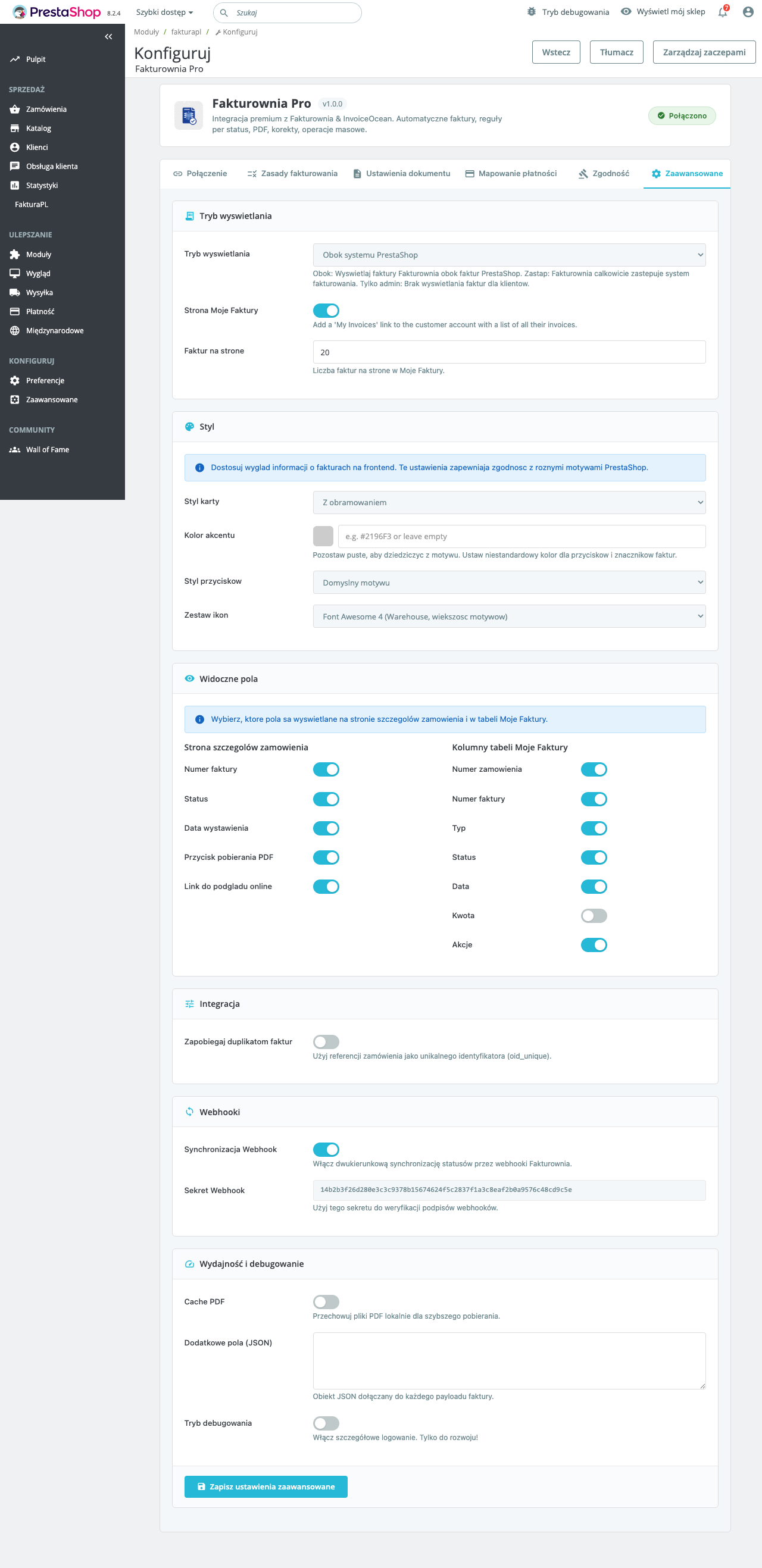
- Confirm Fakturownia Pro is installed and its API token shows a green verified indicator
- Open KSeF Pro → Configuration → Invoice Settings tab
- Enable the "Paired mode with Fakturownia Pro" toggle
- Select the trigger order (see below)
- Save configuration
Phase 3: Test the full dual-channel flow
- Place a new test order (or use an order that has not had any invoice generated)
- Trigger the order to the configured status
- Wait for both channels to complete (up to 5 minutes in "KSeF first" mode)
- In the audit log, confirm the record shows both
KSEF_IDandFAKTUROWNIA_ID - Open Fakturownia.pl and verify the invoice has the
numer_kseffield populated - Download the customer PDF and confirm the KSeF-ID appears under "KSeF numer"
Trigger Order Options
KSeF first (recommended)
KSeF Pro submits the FA(2) XML and waits for the permanent KSeF-ID before instructing Fakturownia Pro to create the invoice. The Fakturownia invoice includes the KSeF-ID in the numer_ksef field.
If KSeF submission fails, Fakturownia invoice creation is also blocked — both channels stay in sync. A discrepancy state (KSEF_FAILED_FAKTUROWNIA_SKIPPED) is logged.
Simultaneous
Both submissions fire independently and in parallel. Faster, but the Fakturownia invoice is created without a KSeF-ID if KSeF submission is still in-progress or pending UPO. The KSeF-ID is backfilled into the Fakturownia invoice via a webhook once it becomes available (requires Fakturownia webhook support — available in Fakturownia Pro 3.2+).
Use simultaneous mode only if KSeF submission latency (typically 1–3 minutes for UPO) is unacceptable and your accounting workflow can tolerate invoices without a KSeF-ID for a short window.
Shared Rule Engine
In Paired Mode, KSeF Pro and Fakturownia Pro share a unified rule engine. Configure it once under KSeF Pro → Invoice Settings → Rule Engine. Changes apply to both channels simultaneously.
The rule engine handles:
| Decision | Rule Engine Output | Used by | |---|---|---| | Which orders trigger invoicing | Status-based conditions | Both | | Buyer type (B2B vs B2C) | NIP present → B2B; absent → B2C | Both | | VAT rate mapping | PS tax rule → FA(2) code + Fakturownia rate | Both | | Currency conversion | Order currency → PLN for KSeF; original currency for Fakturownia | Split | | Document type | Invoice (VAT), correction (KOR) | Both | | Seller data | NIP, company name, address | Both |
Without Paired Mode, each module has its own independent trigger rules. Enabling Paired Mode merges them — the Fakturownia Pro trigger settings are overridden by the shared rule engine.
What Happens When a Rule Fires
This is the full sequence of events from an order reaching trigger status to the customer receiving their PDF:
PrestaShop order reaches trigger status
          ↓
    Shared rule engine evaluates order
          ↓
    ┌──────────────────────┐     ┌───────────────────────────┐
    │      KSeF Pro        │     │      Fakturownia Pro       │
    │                      │     │                            │
    │ 1. Generate FA(2)    │     │ 1. Wait for KSeF-ID signal │
    │ 2. Sign (XAdES-BES)  │     │    (KSeF first mode)       │
    │ 3. Open KSeF session │     │                            │
    │ 4. Submit FA(2) XML  │     │ 2. Receive KSeF-ID         │
    │ 5. Close session     │─────│ 3. Create Fakturownia doc  │
    │ 6. Poll for UPO      │     │ 4. Set numer_ksef field    │
    │ 7. Store UPO + ID    │     │ 5. Send PDF to customer    │
    └──────────────────────┘     └───────────────────────────┘
The entire flow from trigger status to customer PDF delivery typically takes 2–5 minutes — the dominant factor is KSeF's UPO processing time on the Ministry of Finance servers.
KSeF-ID on Customer Invoices
When Fakturownia Pro creates the customer PDF, it passes the KSeF-ID received from KSeF Pro as the numer_ksef custom field. In Fakturownia.pl's invoice template, this appears under a dedicated "KSeF numer" label in the invoice header area.
The KSeF-ID format on the customer invoice: {NIP}{timestamp}{sequential} — for example, 1234567890-20250301-000001.
If you use a custom Fakturownia template: Add the numer_ksef merge tag to your template to display the KSeF reference. The field is passed to Fakturownia regardless of whether a custom template is active — it will appear on the invoice only if the template includes the merge tag.
Why this matters for your B2B buyers: Polish B2B buyers are required to verify the KSeF-ID of invoices they receive and include it in their own VAT return filings. Having the KSeF-ID printed directly on the PDF invoice they receive — rather than requiring them to look it up separately — is a practical compliance convenience that reduces back-and-forth with their accounting departments.
Handling Discrepancies
In rare cases the two channels fall out of sync. KSeF Pro logs each discrepancy state in the audit log:
| Discrepancy State | Meaning | Resolution |
|---|---|---|
| KSEF_OK_FAKTUROWNIA_FAILED | KSeF accepted; Fakturownia API error | Re-trigger Fakturownia leg from audit log |
| KSEF_FAILED_FAKTUROWNIA_SKIPPED | KSeF failed; Fakturownia blocked | Fix KSeF error; re-trigger both |
| KSEF_OK_FAKTUROWNIA_PENDING | KSeF accepted; Fakturownia not yet processed | Wait — normal for simultaneous mode |
| KSEF_ID_BACKFILL_FAILED | KSeF-ID received but could not update Fakturownia doc | Re-run backfill from audit log |
To re-trigger only the Fakturownia leg (without re-submitting to KSeF):
- Go to KSeF Pro → Audit Log
- Find the record with
KSEF_OK_FAKTUROWNIA_FAILEDstatus - Click "Retry Fakturownia" — this creates a new Fakturownia document using the stored KSeF-ID without opening a new KSeF session
FAQ
Do I need both modules?
No — each module works standalone. KSeF Pro handles government compliance without Fakturownia Pro. Fakturownia Pro handles customer invoicing without KSeF Pro. Paired Mode is for stores that need both channels automated from a single trigger.
What if KSeF is down but Fakturownia is working?
In "KSeF first" mode, Fakturownia invoice creation is blocked when KSeF is unavailable. This is intentional: the invoice will not be created without the KSeF-ID, preventing a state where customers have a PDF without a valid government reference number.
In "Simultaneous" mode, Fakturownia proceeds regardless of KSeF status. The customer receives a PDF immediately, but without a KSeF-ID. The ID is backfilled once KSeF recovers.
If KSeF maintenance windows (typically Sunday 00:00–06:00 CET) are affecting your order flow, consider switching to "Simultaneous" mode for that period and reverting to "KSeF first" afterward.
What if Fakturownia is down but KSeF is working?
KSeF Pro submits to the government normally. The Fakturownia leg fails and is logged as KSEF_OK_FAKTUROWNIA_FAILED. Once Fakturownia is back, retry the Fakturownia leg from the audit log — the already-accepted KSeF-ID is used, no re-submission to KSeF occurs.
Can I use different tax rates on the KSeF XML and the Fakturownia PDF?
No — the shared rule engine applies the same VAT mapping to both channels. This is by design: the tax rates on the KSeF XML and the customer PDF must match. Discrepancies between the two would constitute a compliance error.
Correction Invoices in Paired Mode
When a correction is needed:
- Click "Issue correction" from the order detail KSeF panel
- KSeF Pro generates an FA(2)
KORdocument referencing the original KSeF-ID - After the correction KSeF-ID is returned, Fakturownia Pro creates a credit note (
korekta) referencing the original Fakturownia invoice number - Both the correction KSeF submission and the Fakturownia credit note are logged as a linked pair in the audit trail
The customer receives a credit note PDF with the correction KSeF-ID. The original invoice PDF remains in their download history.
Multiplatform Setup
If you operate multiple storefronts on different platforms, each has its own Paired Mode configuration:
All three platforms submit to the same KSeF account (same NIP and token). KSeF-ID sequences are unified across storefronts — the Ministry of Finance ledger shows all submissions regardless of which platform originated them.