Configuration
After installing KSeF Pro, open the configuration screen from Stores → Configuration → PlugKit → KSeF Pro.
KSeF Pro respects Magento's scope hierarchy. Settings configured at Default scope apply to all websites. Set a different scope in the top-left dropdown to configure per-website values (separate NIP or KSeF token for different legal entities).
KSeF Connection Section
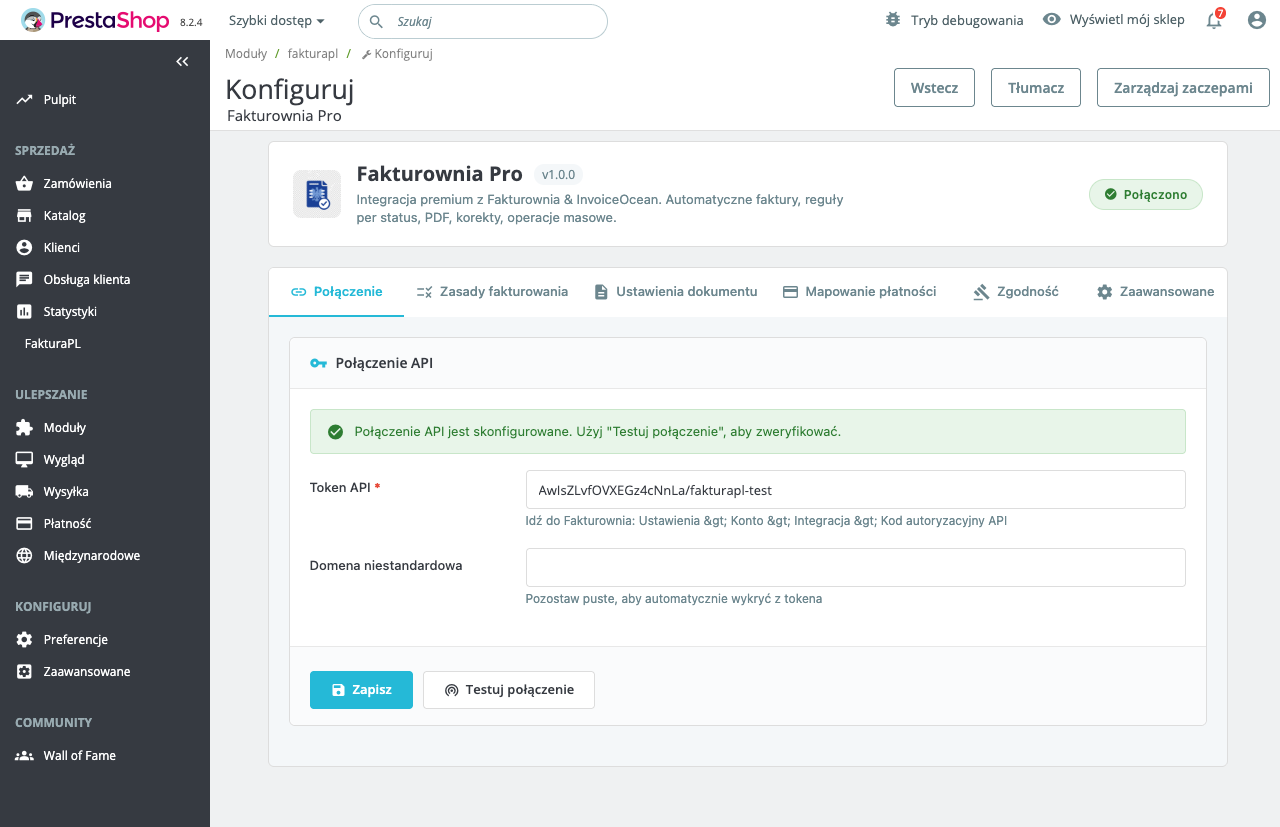
Environment
| Value | API Endpoint | When to Use |
|---|---|---|
| Test | https://ksef-test.mf.gov.pl/api | Initial setup, XML validation, no legal standing |
| Production | https://ksef.mf.gov.pl/api | Live invoices, mandatory for compliance |
Always start with Test. Complete at least one successful end-to-end test (submission → UPO → KSeF-ID on invoice) before switching to Production.
KSeF API Token
Enter the token generated on the Ministry of Finance portal. After saving, click "Test KSeF Connection". KSeF Pro performs a full challenge/response exchange with the selected environment.
| Indicator | Meaning | |---|---| | Green "Connection verified" | Token valid, NIP matches, environment reachable | | Red "Token invalid (10000)" | Token revoked or NIP not registered in this environment | | Red "NIP mismatch (20100)" | Seller NIP in config does not match NIP on token | | Red "Connection failed" | Server cannot reach KSeF API — check firewall |
The token is stored encrypted using \Magento\Framework\Encryption\EncryptorInterface (wraps the deployment MAGE_KEY). If MAGE_KEY changes after a database migration, re-enter the token. See KSeF Connection → MAGE_KEY Considerations.
Connection Timeout
HTTP timeout for KSeF API calls. Default: 30 seconds. The challenge/response flow requires two round trips — do not set below 10 seconds. Increase to 60 seconds if your server has high latency to MF servers (common on some cloud regions).
Seller Data Section
The seller identity in every FA(2) XML must exactly match the NIP registered on your KSeF token. One character difference causes error 20100 — entire session rejected.
NIP
Enter your 10-digit Polish tax ID without dashes, spaces, or the PL prefix. KSeF Pro validates the weighted checksum on save — the configuration cannot be saved with an invalid NIP.
Company Name and Address
| Field | FA(2) XML Element | Required |
|---|---|---|
| Company name | <NazwaPodmiotu> in <Podmiot1> | Yes |
| Street and number | <Ulica> | Yes |
| Postal code | <KodPocztowy> | Yes — must be XX-XXX format with hyphen |
| City | <Miejscowosc> | Yes |
| Country code | <KodKraju> | Yes (default: PL) |
Enter company name exactly as registered in KRS or CEIDG. The KSeF validator may reject abbreviations that differ from the official registration (e.g., sp. z o.o. vs Sp. z o.o.).
Postal code format: KSeF rejects XXXXX without a hyphen. The field must be XX-XXX. KSeF Pro formats this automatically if you enter 5 digits without a hyphen, but verify in the XML preview.
VAT Status
| Value | When to Use | Effect on FA(2) |
|---|---|---|
| Active VAT payer | Company is czynny podatnik VAT | <StatusVAT>ACTIVE</StatusVAT> included; standard rate codes used |
| VAT exempt | Company uses zwolnienie z VAT | <StatusVAT>EXEMPT</StatusVAT> or omitted; all lines use ZW code |
Invoice Settings Section
Invoice Trigger
| Option | When It Fires | Recommended For | |---|---|---| | On invoice creation | When a Magento invoice record is created | Most stores — safe, post-payment | | On invoice capture | When online payment is captured | Stores where invoice = capture event | | Manual only | Never automatic; per-invoice button only | Manual review workflows |
Recommended: "On invoice creation". Magento invoices are created after payment confirmation. This matches the legal requirement — KSeF submission must happen at invoice issuance, not at order placement.
Avoid "On invoice capture" unless your payment flow guarantees that every capture immediately creates a Magento invoice. If capture and invoice creation are decoupled, this trigger may fire before the invoice data is complete.
Buyer NIP Field at Checkout
Enable "Show NIP field at checkout" to add a NIP input to the Magento checkout billing step. The NIP is stored as the ksefpl_buyer_nip custom order attribute (registered by KSeF Pro's data patch).
For B2C orders without a NIP, KSeF Pro sets <IdentyfikatorPodmiotu type="BRAK"> in the <Podmiot2> block — valid under the KSeF schema.
Tax Rate Mapping Section
Magento tax rules must be mapped to Polish FA(2) VAT codes. Navigate to Invoice Settings → Tax Rate Mapping:
| Magento Tax Rule | Polish FA(2) Code | Rate | Notes |
|---|---|---|---|
| Standard 23% | 23 | 23% | Most goods and services |
| Reduced 8% | 08 | 8% | Selected goods (food, medicine) |
| Reduced 5% | 05 | 5% | Books, basic food items |
| Zero rate | 0 | 0% | Exports, intra-EU B2B supply |
| VAT exempt | ZW | Exempt | Art. 43 Ustawy o VAT |
| Not subject | NP | — | Outside Polish VAT scope |
Unmapped tax rules default to 23 with a TAX_MAPPING_FALLBACK warning in var/log/ksefpl.log. Check for unmapped rules:
php bin/magento ksefpl:check-tax-mappingOutput example:
Tax rule "Custom EU Rate 0%" → NOT MAPPED (defaulting to 23%)
Tax rule "Standard 23%" → 23 ✓
Tax rule "Software Export 0%" → 0 ✓
Fix all NOT MAPPED entries before enabling production submissions.
GTU Code Integration
If you also run Fakturownia Pro for Magento 2, GTU codes assigned to products via fakturownia_gtu_codes are automatically included in KSeF Pro's FA(2) <FaWiersz> rows. No separate GTU configuration is needed in KSeF Pro — it reads the attribute from Fakturownia Pro's product attribute.
Advanced Section
Cron Schedule Override
KSeF Pro cron jobs run under Magento's default cron group. Override the default intervals here:
| Job | Default | Purpose | High-Volume Recommendation |
|---|---|---|---|
| ksefpl_process_queue | */2 * * * * | Submit queued invoices | */1 * * * * |
| ksefpl_poll_status | */1 * * * * | Poll MF for session status | */1 * * * * |
| ksefpl_download_upo | */3 * * * * | Download UPOs | */2 * * * * |
| ksefpl_retry_failed | */10 * * * * | Retry failed submissions | */5 * * * * |
After changing cron intervals:
php bin/magento cache:clean config
php bin/magento cron:run --group=default
Verify jobs are scheduled in System → Tools → Cron Schedule — filter by ksefpl_.
Batch Session Settings
| Setting | Default | Notes | |---|---|---| | Batch size | 50 invoices per session | MF limit is 100 | | One invoice per session | Off | Enable to eliminate session timeout risk | | Session close timeout | 25 minutes | Time before session is considered expired |
Enable "One invoice per session" for stores with fewer than 50 invoices per hour. Each invoice gets its own KSeF session — slower but zero batch timeout risk.
XML and UPO Storage
| Setting | Default | Notes |
|---|---|---|
| XML storage path | var/ksefpl/xml/ | Must be writable by web server user |
| UPO storage path | var/ksefpl/upo/ | Must be writable; 5-year retention required |
| Auto-purge | Off | Never purge — legal retention obligation |
Both directories are organized by {year}/{month}/ subdirectories. Ensure they are excluded from deployment cleaning scripts (deployer/Capistrano/ece-tools prune steps).
On Adobe Commerce Cloud, var/ is shared (persisted) across deployments. No special configuration needed.
Logging
| Level | Output | Disk Usage Per 1K Invoices | |---|---|---| | Error | Failed submissions only | ~5 KB | | Info | All submissions + responses | ~100 KB | | Debug | Full HTTP bodies | ~3 MB |
Log file: var/log/ksefpl.log. Set to Debug only when troubleshooting — revert to Info after.
Multi-Store Scope Configuration
For stores with multiple legal entities (different NIPs per website):
- In the Store View dropdown (top-left), select the target website
- Uncheck "Use Default" next to API token and seller NIP
- Enter the website-specific token and NIP
- Save and verify connection at website scope
The FA(2) XML seller block uses the effective NIP at the order's website scope. Verify the scope is correct:
php bin/magento config:show ksefpl/seller/nip --scope=websites --scope-code=<code>Batch Session Overview
After configuration is complete and production submissions are running, the batch session panel in Sales → KSeF Pro → Sessions shows queue state and session history:
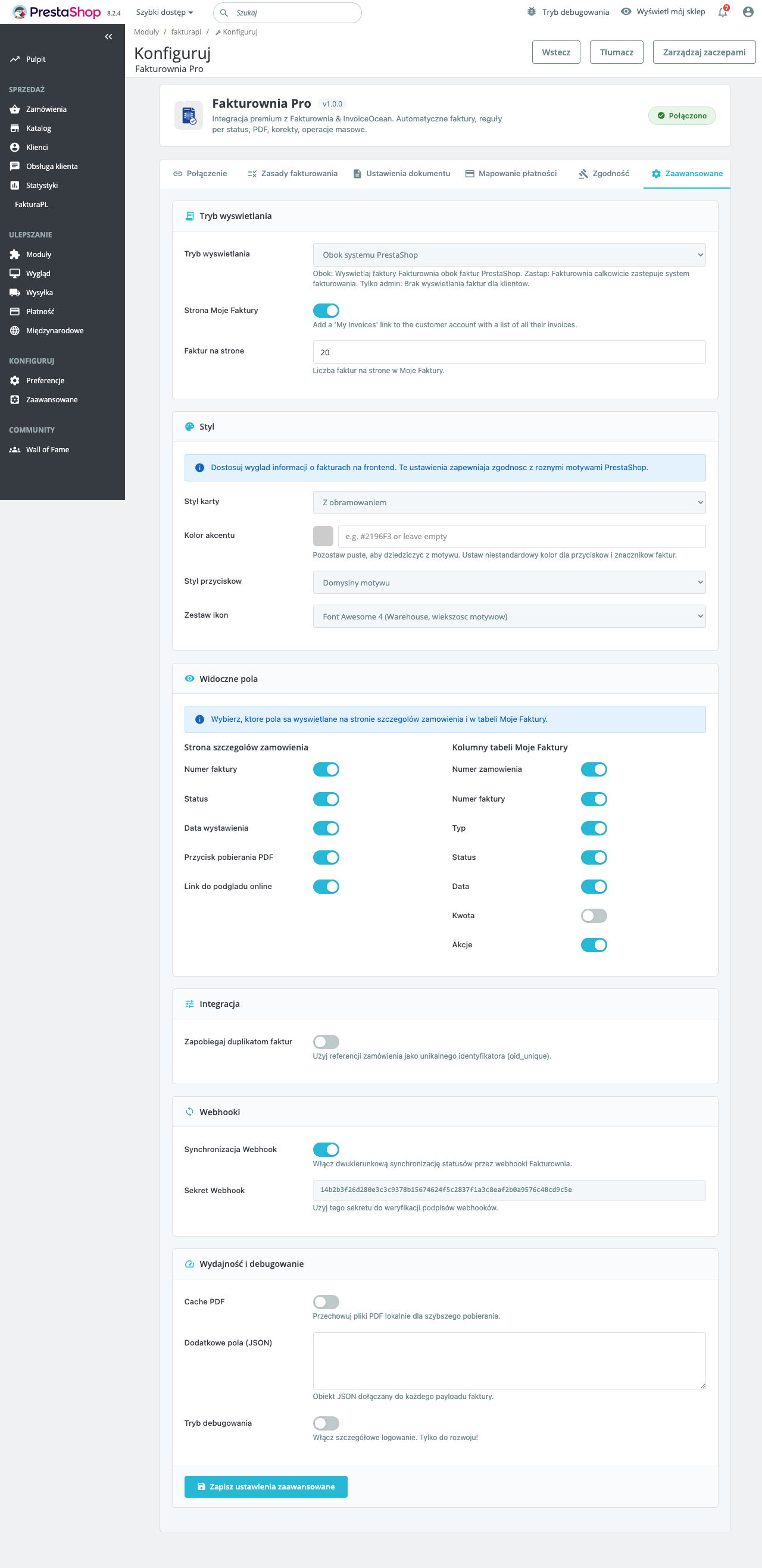
Confirm invoices progress: PENDING → SUBMITTED → ACCEPTED. Any FAILED entries need investigation — expand the row for the KSeF error code.
Recommended Configuration by Store Type
Standard Magento B2B Store (Single Entity)
| Setting | Value | |---|---| | Scope | Default | | Environment | Production | | Trigger | On invoice creation | | Buyer NIP field | Enabled, required for B2B customer groups | | Tax mapping | Complete all active tax rules | | Batch size | 50 (default) |
Multi-Brand Store (Multiple NIPs)
| Setting | Value | |---|---| | Scope | Per website | | Environment | Production per website | | Token | Separate token per website | | Seller NIP | Separate NIP per website | | Trigger | On invoice creation (all websites) |
Adobe Commerce Cloud Store
| Setting | Value |
|---|---|
| Token storage | KSEFPL_API_TOKEN environment variable |
| Environment | Set per cloud environment (Staging=test, Production=production) |
| XML/UPO storage | var/ksefpl/ (persisted var/ directory) |